The problem
Demos rot
- You rename a flag.
- You change the output.
- You ship a new screen.
The GIF never notices.
Install /evergif in any coding agent. It records a terminal or web demo, embeds it in your README, and CI re-renders it only when what it shows actually changed.
npx skills add https://github.com/ShreyasDasari/evergif --skill evergif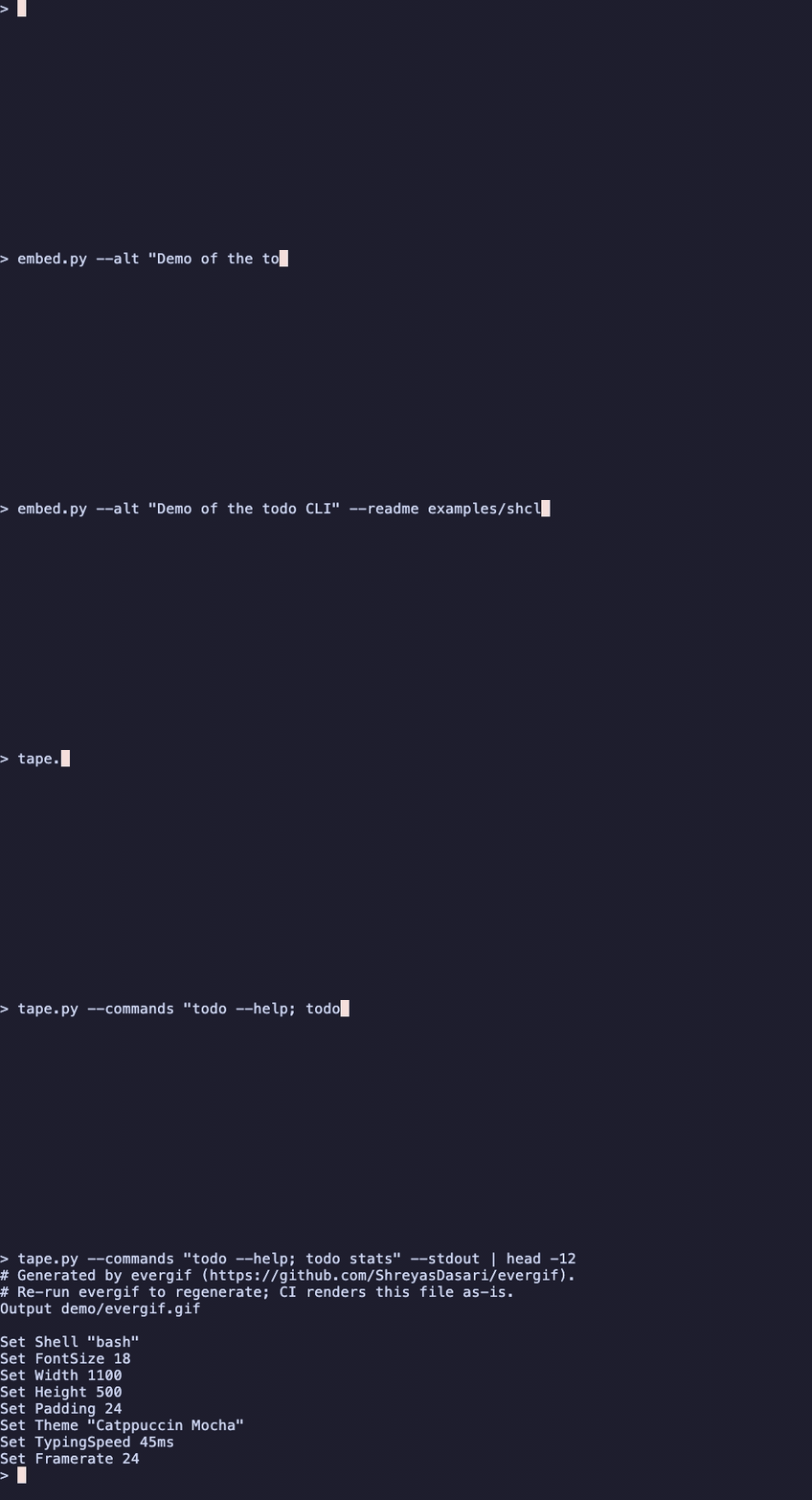
The problem
The GIF never notices.
The fix
CI re-runs the exact commands the demo shows and hashes the output.
Match means nothing renders. Change means a fresh GIF lands on your branch.
How it works
“Add a demo gif to my README.” It inspects the project and picks what’s worth showing.
A committed vhs tape or Playwright script, an optimized GIF, and an embed block in your README.
Output-hash freshness re-renders only the demos that actually changed.
See it work
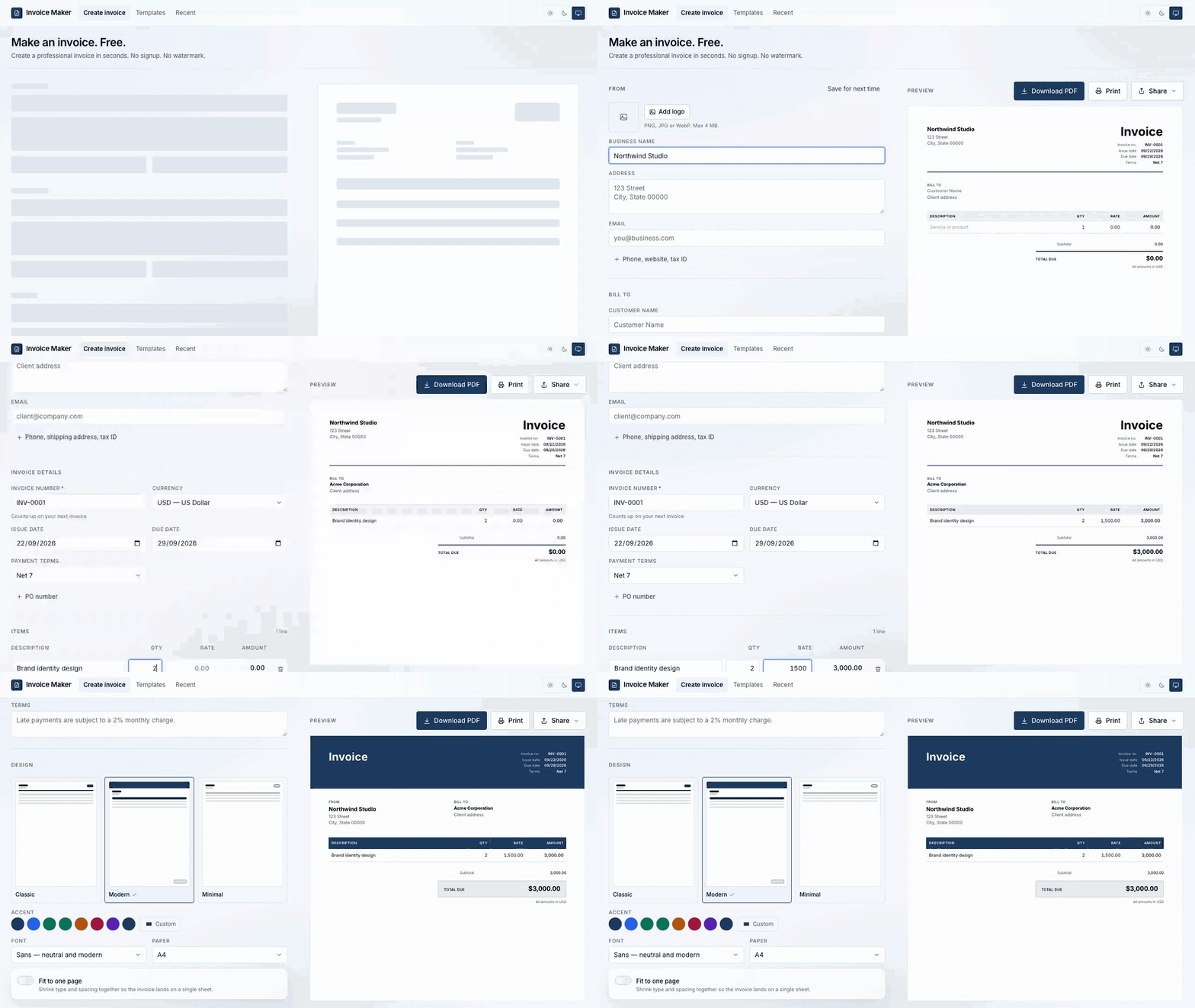
The same skill, three ways: a terminal recording, a web app recording, and the CI check that keeps both honest.
You
add a demo gif to my README
/evergif
Inspected the repo — a Python CLI with 3 commands. Recording --help, list --open, and stats. Writing demo/evergif.tape…
What it wrote into your README
<!-- evergif:start -->

<!-- evergif:end -->evergif --web --url http://localhost:3000 --serve "npm run dev" \
--steps "goto /; wait #invoice; pause 800; click text=Create invoice"/evergif starts your dev server, waits for the port, records the flow with Playwright, stops the server, and converts the video to an optimized GIF.
Match
Nothing renders. Your GIF is still true.
Changed
Re-render, commit the new GIF to your branch.
Output hashing, not pixel diffing — terminal recordings jitter by a frame, so pixel diffs would churn every week. Command output changes only when your CLI does.
What lands in your repo
Works with your agent
One canonical skill, symlinked to every agent's discovery path.
Logos are the property of their respective owners and do not imply endorsement.
Features
vhs for CLIs and TUIs, Playwright for web apps.
Output hashing, not pixel diffing, so demos don’t churn weekly.
Refuses destructive, networked, or credential-exposing commands in code, not just in the prompt.
Recorded at 1100px display width, never downscaled, colors given up last.
CI renders tapes for contributors who have nothing installed.
Each with its own marker block and lock file.
Add /evergif to your project and never ship a stale demo again.
npx skills add https://github.com/ShreyasDasari/evergif --skill evergif